Velo

MIDI PLAYER & LIBRARY/ v1.0

Play every MIDI
like you mean it.

Velo sends any MIDI to any output, turns songs into keystrokes to autoplay games, and packs a whole library inside. Free, native, and gorgeous.

FREE · WINDOWS · NO ACCOUNT NEEDED

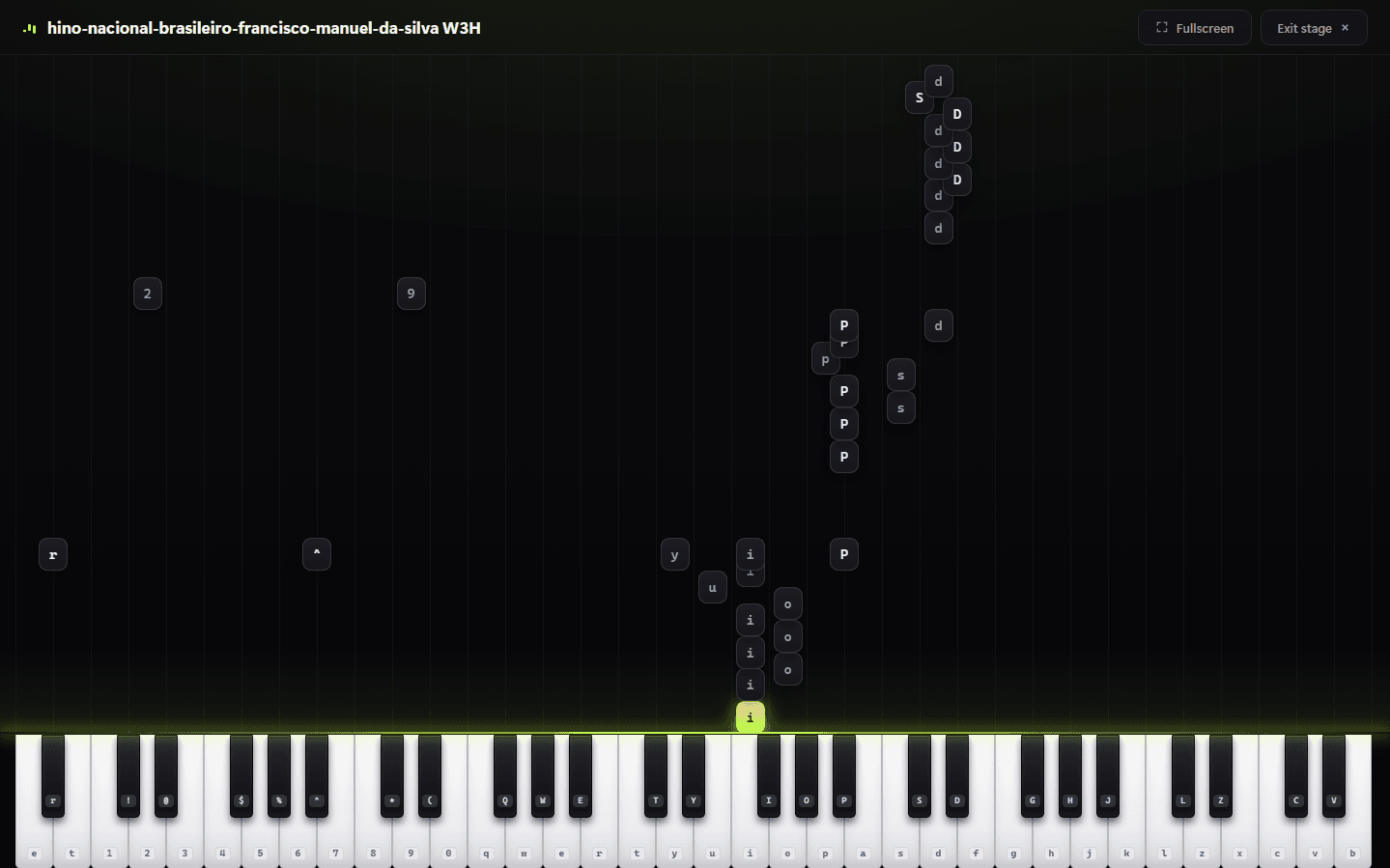
Velo's Stage view — notes falling onto a piano keyboard
MIDI → KEYSBUILT-IN LIBRARYANY OUTPUT DEVICEPRACTICE MODESTAGE VIEWTEMPO CONTROLDRUM MODEQUEUEMIDI → KEYSBUILT-IN LIBRARYANY OUTPUT DEVICEPRACTICE MODESTAGE VIEWTEMPO CONTROLDRUM MODEQUEUE

WHAT IT DOES

Features no other MIDI player has

01The signature feature

Turn MIDI into keystrokes

Map any song to your keyboard and let Velo press the keys for you — the trick that made it the go-to player for piano games like the ones on Roblox.

  • Autoplay games hands-free
  • Tune layout, hold and timing per game
  • Stay-on-top window so it works over anything
QWERTYUIOP
MIDI → KEYSTROKES
02The player

Built to perform

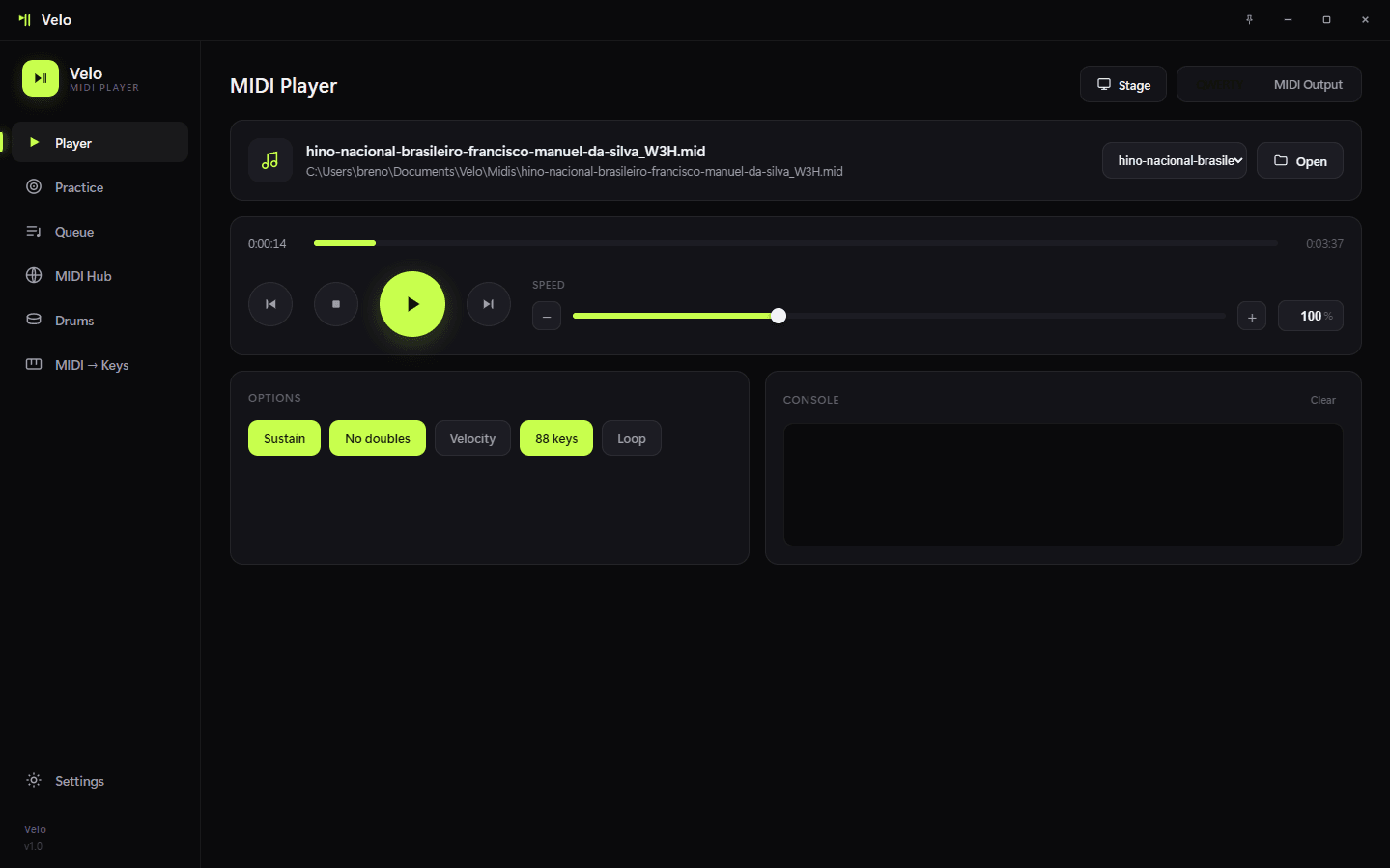
Send MIDI to any output device with rock-solid timing and per-song control. No clutter, no lag — just play.

  • Sustain, velocity, no-doubles, loop, 88-keys
  • Live tempo control that keeps the original feel
  • Pick any MIDI output in a click
Velo's MIDI Player view
03Practice mode

Learn it under your fingers

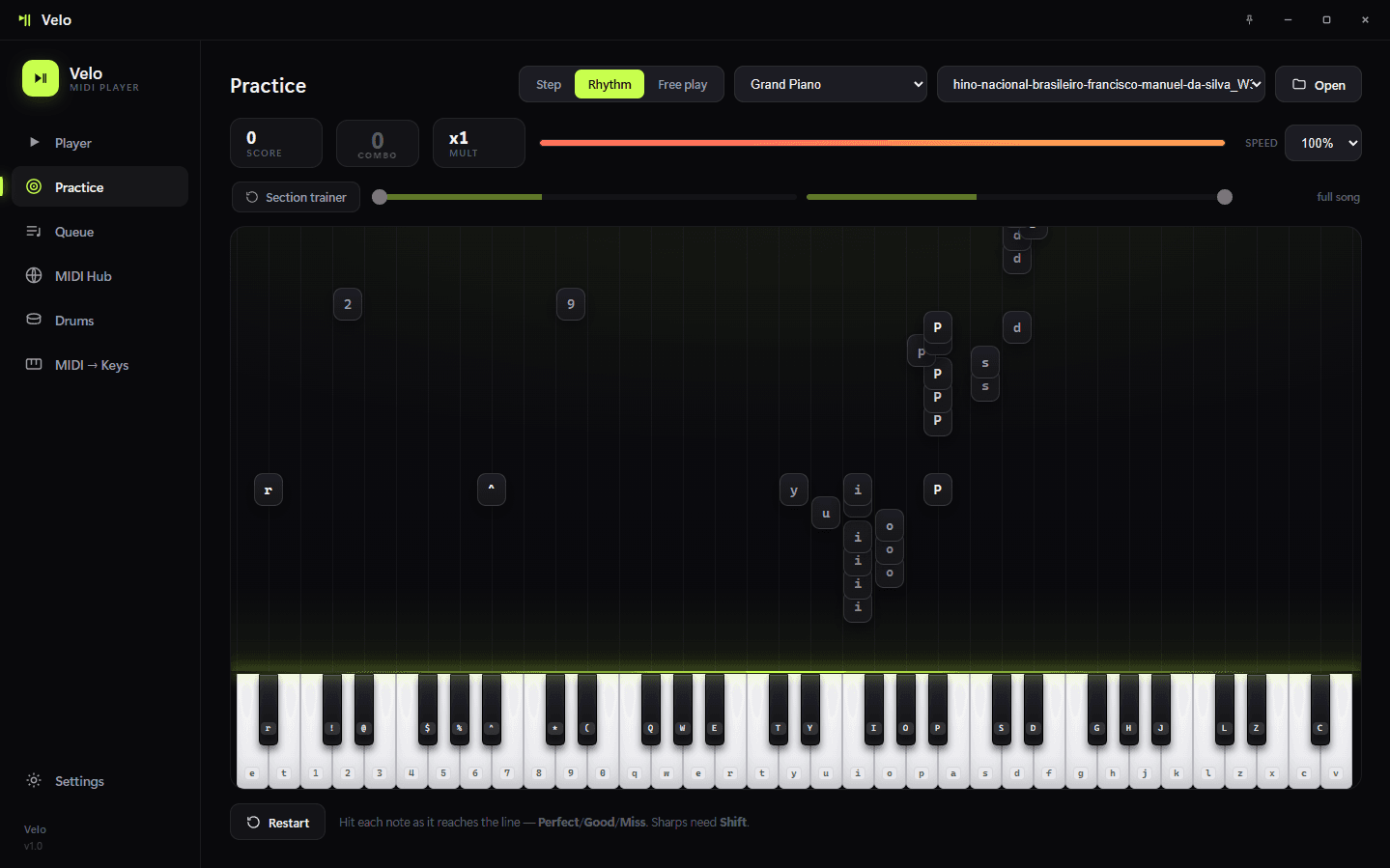
Step, Rhythm and Free-play modes turn any MIDI into a lesson that waits for the right keys, so you actually build the song.

  • Three practice modes
  • Falling-note guidance on a full keyboard
  • Go at your own pace
Velo's Practice view
04Stage + library

See every note land

Watch songs play in a full-screen Stage view — and feed it from the built-in MIDI Hub that searches nanoMIDI, BitMidi and Online Sequencer without leaving the app.

  • Full-screen falling-note visualizer
  • Search & download a whole library inside Velo
  • Velo's own curated library is coming next
Velo's Stage visualizer

SEE IT MOVE

Twenty seconds with Velo

GET VELO

Free. Native.
Ready when you are.

Download Velo and join a community of players trading MIDIs every day.