Velo

// SHOWCASE

Everything Velo can do

One player, packed with the features serious MIDI users keep asking for. Here's the full tour — straight from the app.

// WHAT IT DOES

Features no other MIDI player has

01The signature feature

Turn MIDI into keystrokes

Map any song to your keyboard and let Velo press the keys for you — the trick that made it the go-to player for piano games like the ones on Roblox.

  • Autoplay games hands-free
  • Tune layout, hold and timing per game
  • Stay-on-top window so it works over anything
QWERTYUIOP
MIDI → KEYSTROKES
02The player

Built to perform

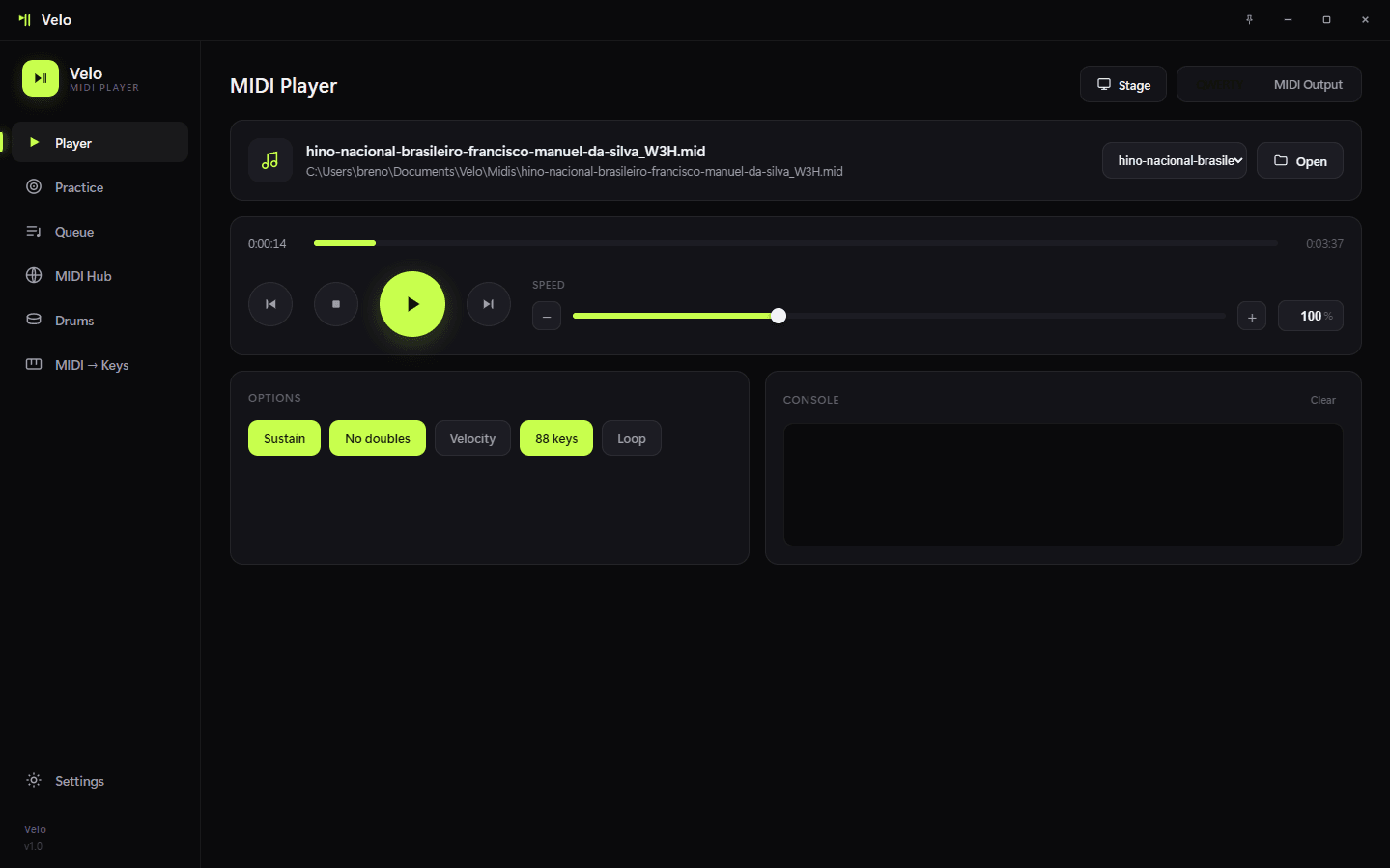
Send MIDI to any output device with rock-solid timing and per-song control. No clutter, no lag — just play.

  • Sustain, velocity, no-doubles, loop, 88-keys
  • Live tempo control that keeps the original feel
  • Pick any MIDI output in a click
Velo's MIDI Player view
03Practice mode

Learn it under your fingers

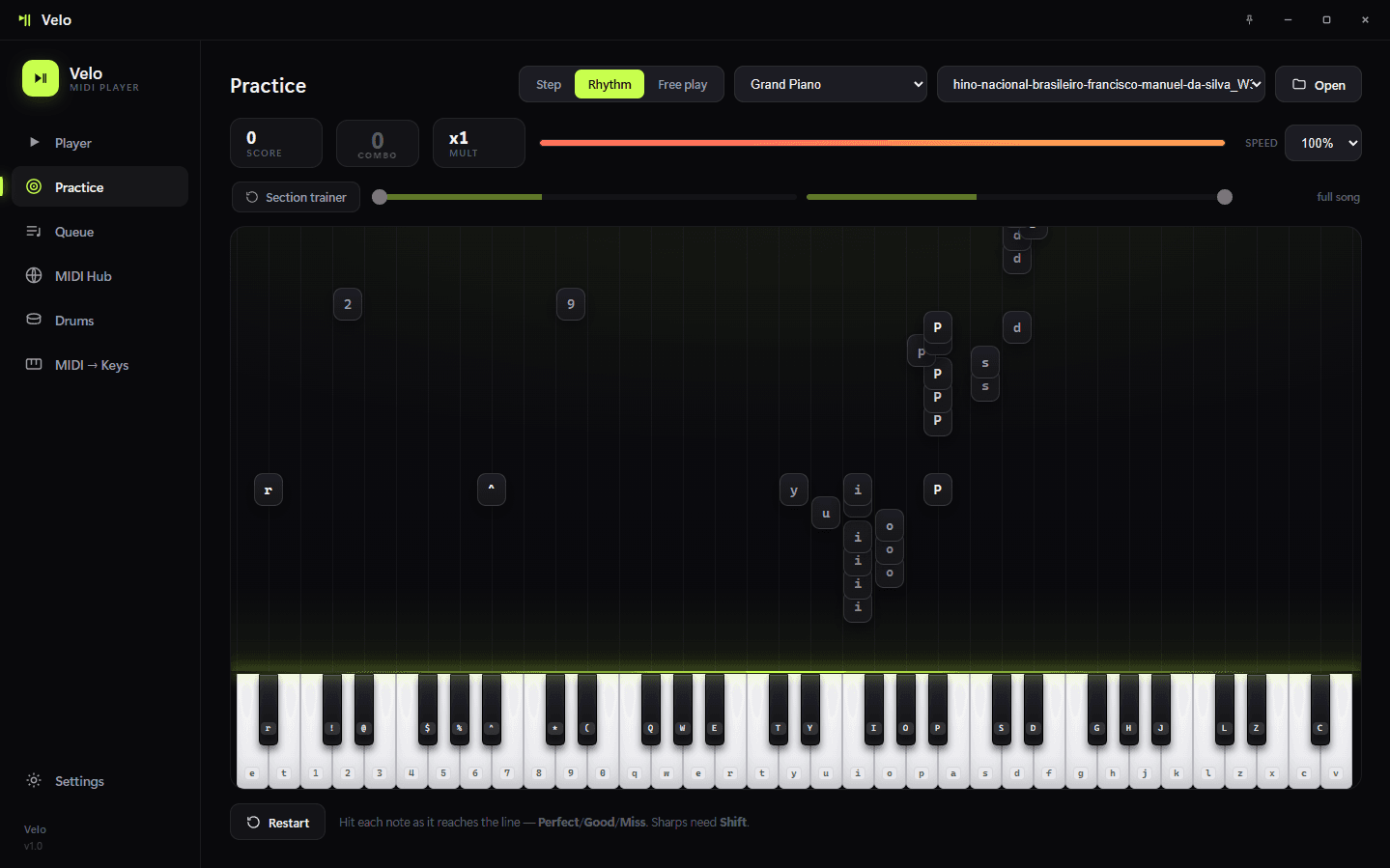
Step, Rhythm and Free-play modes turn any MIDI into a lesson that waits for the right keys, so you actually build the song.

  • Three practice modes
  • Falling-note guidance on a full keyboard
  • Go at your own pace
Velo's Practice view
04Stage + library

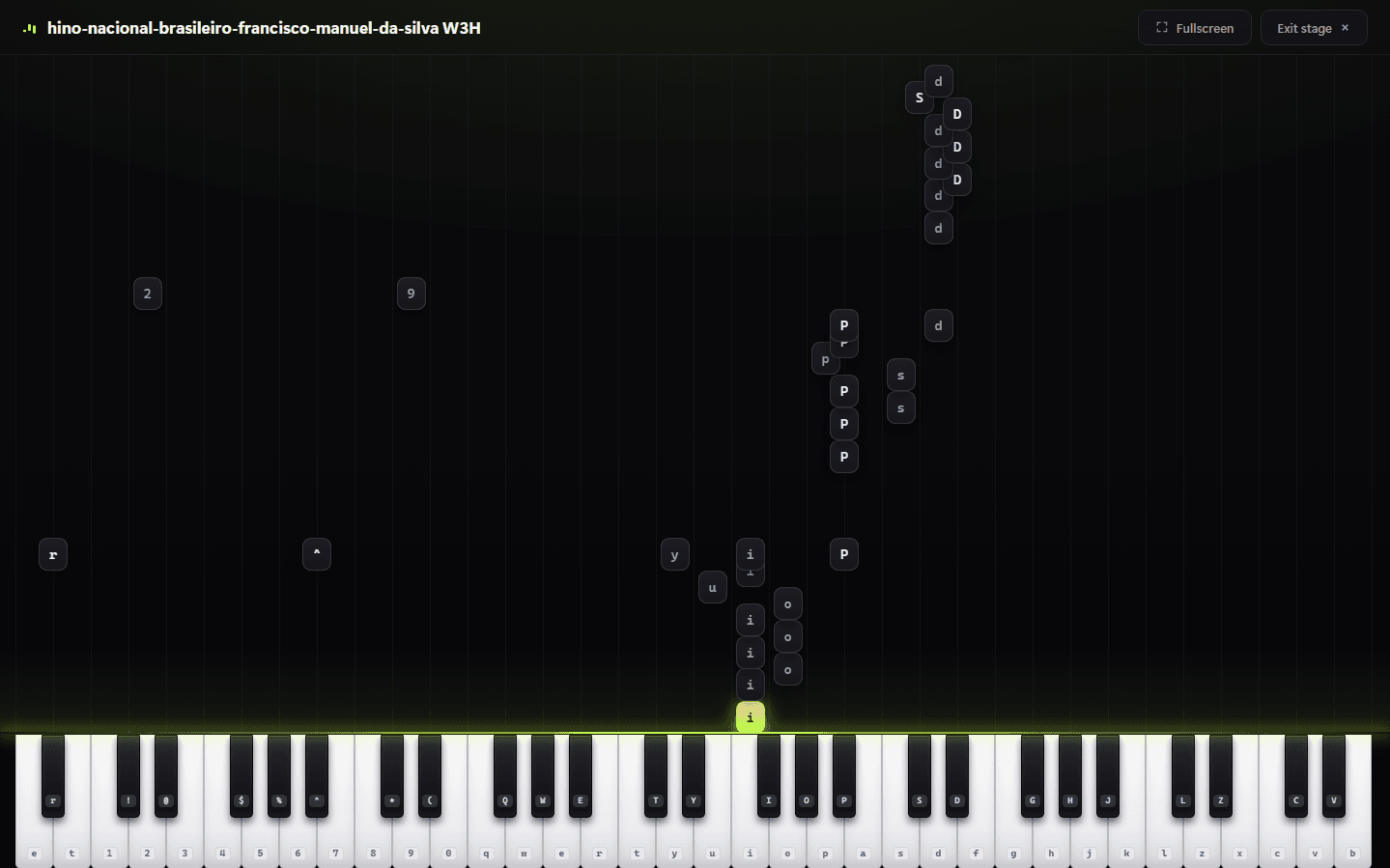
See every note land

Watch songs play in a full-screen Stage view — and feed it from the built-in MIDI Hub that searches nanoMIDI, BitMidi and Online Sequencer without leaving the app.

  • Full-screen falling-note visualizer
  • Search & download a whole library inside Velo
  • Velo's own curated library is coming next
Velo's Stage visualizer

// GET VELO

Free. Native.
Ready when you are.

Download Velo and join a community of players trading MIDIs every day.