Velo — QWERTY vs MIDI Output (how to use it)
Velo can send what it plays to other apps in two different ways. Pick the one
that matches what you're playing into:
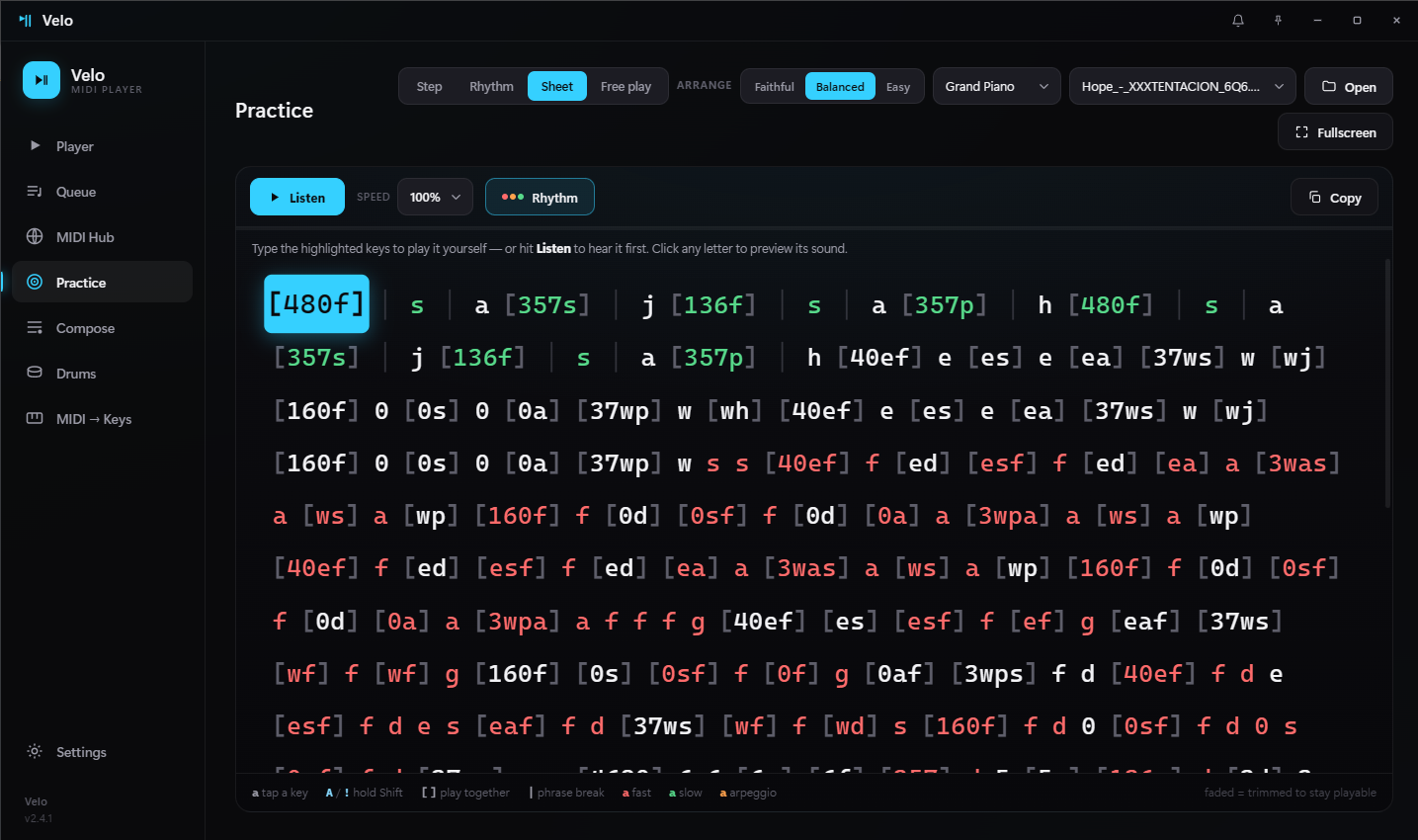
• QWERTY → Velo types the on-screen letters (for letter-based pianos like
Virtual Piano or Roblox pianos). No setup needed.
• MIDI Output → Velo sends real MIDI notes out through a MIDI port. Use
this for a DAW, an instrument plugin, or any game/app that reads a MIDI keyboard.
⚠️ Important: Windows on its own has no "free" MIDI port — it only has its
built-in synth (GS Wavetable), which makes sound but can't pass the notes on
to another program. To get Velo's notes into another app you need a **virtual
MIDI cable — that's what loopMIDI** is (the MIDI equivalent of VB-CABLE for
audio).
---
Step-by-step (MIDI Output)
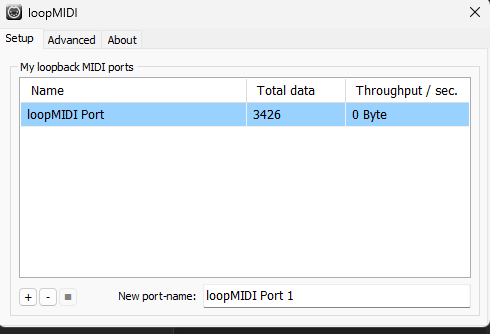
- Install loopMIDI (free): https://www.tobias-erichsen.de/software/loopmidi.html
Open it, type a name at the bottom (e.g. Velo), click + to create the
port, and leave loopMIDI running.
- In Velo, open the MIDI Player screen (first icon in the sidebar).
- Top-right, click MIDI Output (next to QWERTY). A device list appears
below it.
- In that list, pick the Velo port (the one loopMIDI created).
- If you only see "Microsoft GS Wavetable Synth", Velo shows a warning that
it's a dead end — it means loopMIDI isn't running yet or the port wasn't
created. Go back to step 1.
- Open a MIDI file and press Play. The notes are now leaving Velo through
the Velo port (you won't hear anything yet — they're waiting for another
app to "listen").
- In the destination program, select the Velo port as its MIDI input:
- DAW / instrument plugin (FL Studio, etc.): choose
Velo as the MIDI
input → sound comes out of that instrument.
- A game/helper that reads a MIDI keyboard (a "MIDI connect" feature):
point it at the Velo port.
---
About Roblox and letter-based pianos
Roblox itself cannot read MIDI directly. So:
- Easiest: switch Velo back to QWERTY mode — Velo types the letters
straight into the game, no loopMIDI needed.
- Or: run a "MIDI → keyboard" helper app (it converts MIDI into keystrokes),
point it at the Velo port, and the game receives the keys.
Rule of thumb:
- App reads a MIDI keyboard → use MIDI Output + loopMIDI.
- Game uses on-screen letters (Virtual Piano, Roblox) → use QWERTY,
it's direct and needs nothing extra.